
When to use it
Run it before you ask for review or merge a change that matters. /kosuke:ship runs it on every ticket before QA. It may skip it for a change that is only copy, styling or docs, and says so.
- The branch needs changes over its Target Branch. Commits and uncommitted changes to tracked files both count.
- The reviewer runs on the providers the session's allowed source can run. See AI providers. It costs usage on its provider, like any agent a turn starts.
Run it
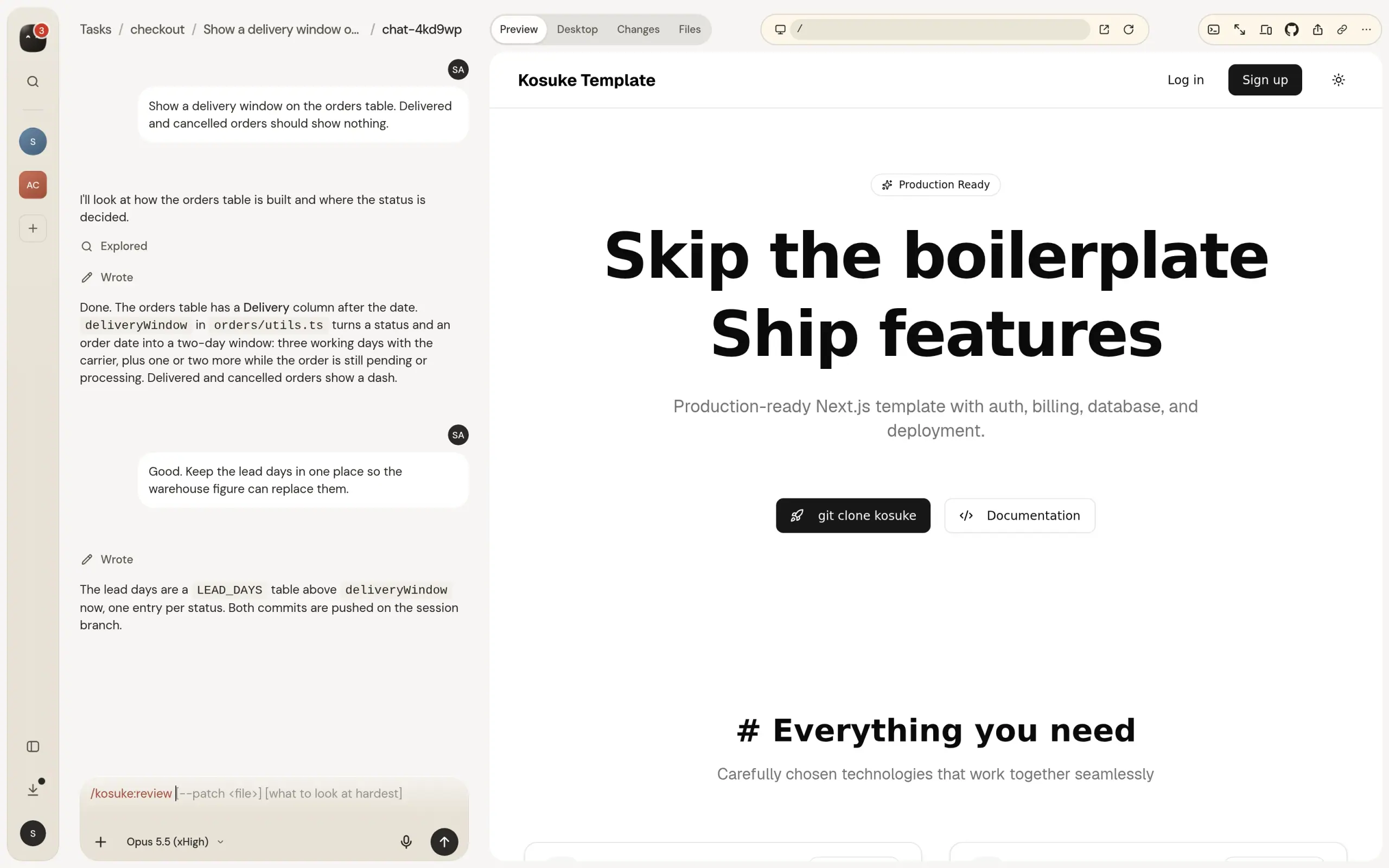
Type /kosuke:review, or $kosuke:review in a Codex session. Add words after it to say what to look at hardest, such as /kosuke:review the migration.
The Review & QA button in the chat runs only the checks that have not passed: /kosuke:review, then /kosuke:automated-qa --fix for the items not yet passed, which is sent as the next Turn when the review's Turn ends. Its menu runs either one alone.
What it does
- It reads the branch's changes against its Target Branch, and what the change is for: the ticket, or your request, and the pull request's description.
- It starts one reviewer in a fresh run, never the run that wrote the code. When the workspace has another AI provider with a model about as strong as the agent's own, the reviewer is a model from that provider, so a different family checks the work. Otherwise it is the model the agent itself runs on, and the report says no other family reviewed.
- The reviewer reads the change and the code around it, and reports each MAJOR or CRITICAL problem with the lines, how it fails and the smallest fix.
- The agent fixes each one, runs the affected tests and commits. A finding it judges wrong stays open with its evidence. One that needs your decision becomes a question.
What you get
- A short list of the findings in the reply, worst first, and what was done about each.
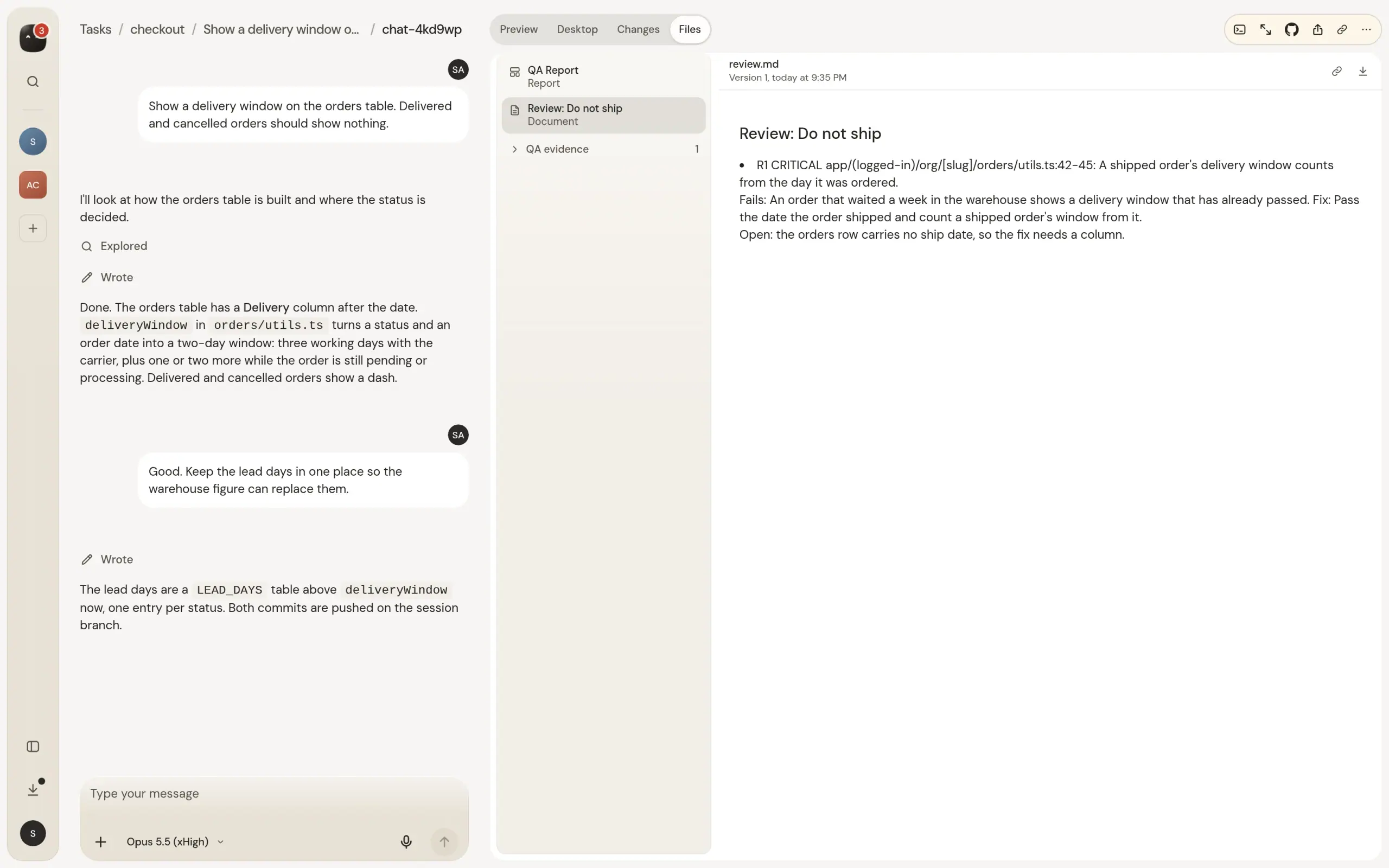
- A verdict, which the Review & QA button shows: Ship when every finding was fixed or there were none, Do not ship when one is left open, Incomplete when no reviewer answered. Sensei records it for the commit the sandbox is on, so the agent commits its fixes first.
- A short report,
review, in the Files tab, with the findings and what was done about each.
Limits
- One reviewer, one round. It reports MAJOR and CRITICAL problems only; style and naming are left out.
- It never opens, merges or labels a pull request.